Customer Starts a Conversation
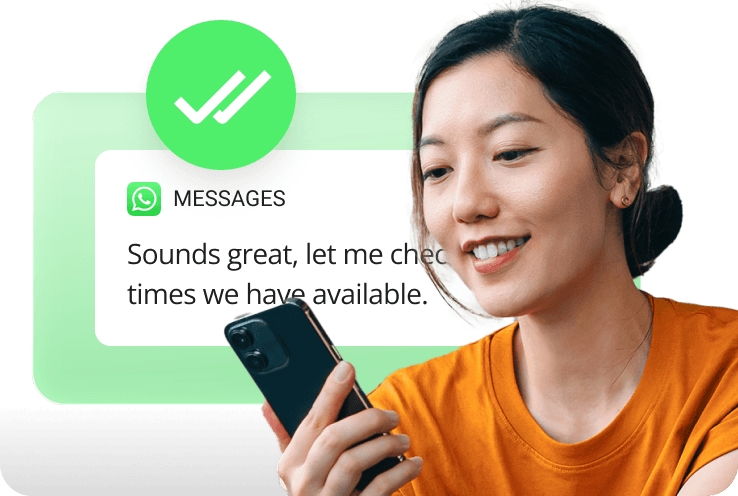
Customers send a message to your business through WhatsApp using the business phone number they already know.

Enable business messaging via WhatsApp from your business number so customers can reach your team instantly and get fast, consistent responses.

Let customers reach your business through WhatsApp using your existing business phone number.
Manage conversations from a unified dashboard so no message gets missed.
Keep conversations moving with shared access to customer messages.
Reach customers where they already communicate every day through WhatsApp.
Manage customer conversations collaboratively from a shared WhatsApp inbox, ensuring every message gets a timely, consistent response.
Collaborate on customer conversations without overlap or missed messages – all from one shared dashboard.
Manage calls, chat, meetings, and WhatsApp conversations from one unified platform.
Add context directly within conversations to keep teams aligned and informed.
Ensure only one response is sent so conversations stay clear and customers receive consistent communication.
Communicate from your official business number—not personal devices.
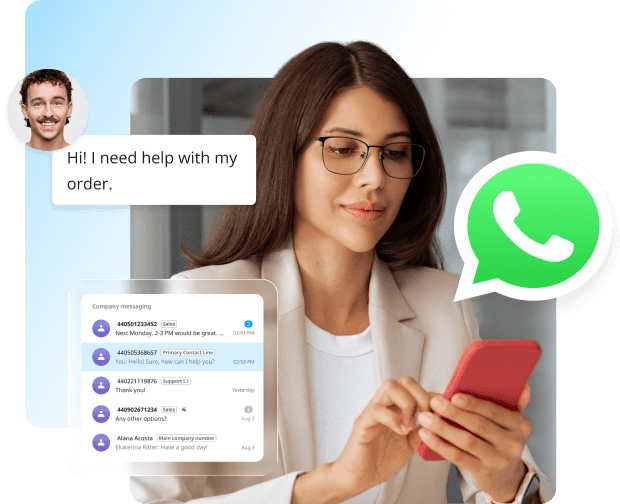
Customers send a message to your business through WhatsApp using the business phone number they already know.
The message is automatically delivered into the shared Company Messaging inbox.
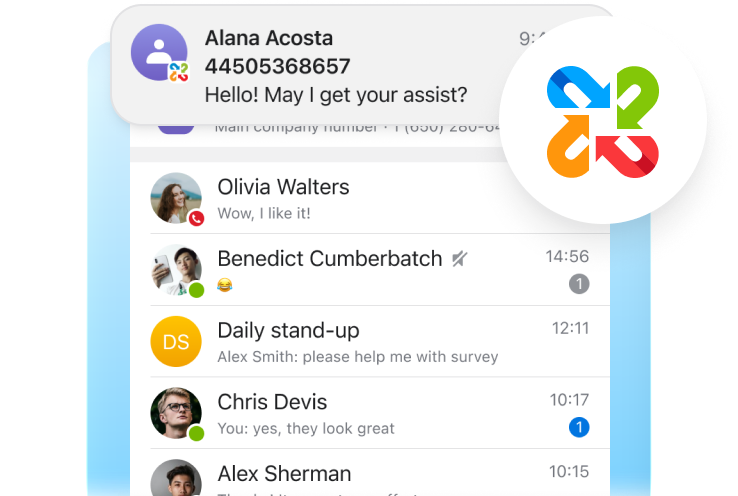
Authorized team members can view the conversation, add internal notes, and respond from one shared business phone number.
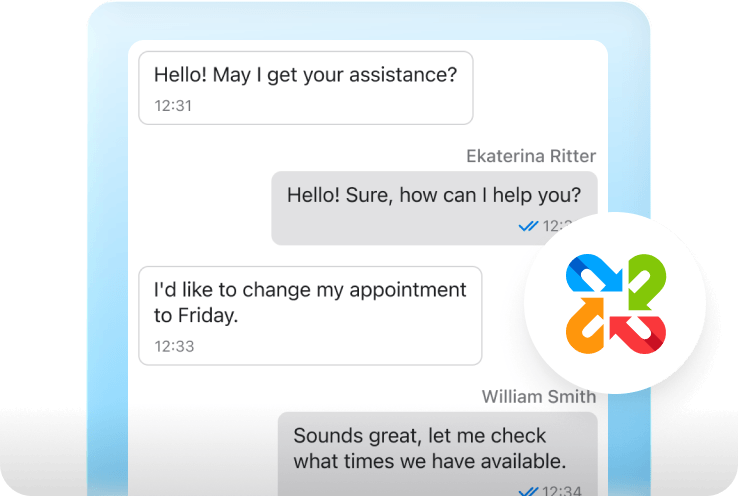
Customers receive timely, consistent responses, while your team maintains complete visibility into every conversation.
Manage voice and company messaging together through Unite, giving your business one place to communicate, collaborate, and deliver exceptional customer experiences.
See how WhatsApp Messaging helps your team respond faster and deliver better experiences.
FAQ
Customers simply send a WhatsApp message to your business phone number. You can promote that number on websites, QR codes, marketing materials, and social channels.
Yes. Most businesses can use their existing business phone number for WhatsApp messaging, whether the number is already assigned within their Unite account or managed outside of Unite.
If migrating a number from the WhatsApp Business App or another WhatsApp provider, the phone number can typically be moved to WhatsApp for Company Messaging. However, existing message history, active conversations, and customer chat data are not migrated as part of the transfer. New conversations will begin within Unite after the number is successfully connected.
Yes. Authorized members of a Company Messaging group can view and respond to customer conversations. This enables team collaboration and helps ensure customers receive timely assistance, even when the original responder is unavailable.
WhatsApp allows businesses to respond to customer-initiated messages for up to 24 hours after the customer’s most recent message. Once the 24-hour window expires, the business can no longer send messages until the customer starts a new conversation.
Currently, WhatsApp for Company Messaging supports customer-initiated conversations, meaning customers must send the first WhatsApp message to your business. Once a conversation has been started, authorized employees can respond and continue communicating with the customer through Company Messaging in Unite within WhatsApp’s 24-hour service window.
Support for business-initiated conversations and template messaging is planned for a future enhancement.
Yes. Company Messaging supports sending and receiving a variety of attachment types through WhatsApp, including images, videos, audio files, documents, and stickers.
Yes. Employees can access WhatsApp conversations through the Unite desktop and mobile applications.
The WhatsApp Messaging Package provides a monthly pool of messages that can be used for WhatsApp conversations through Company Messaging. The package is shared across your entire account, allowing all authorized users and messaging groups to draw from the same message allocation.
Packages are available in predefined monthly quantities of 1,000, 10,000, 100,000, or 1,000,000 messages and can be combined to meet your business's messaging needs. Billing begins when the package is purchased and continues on a monthly basis.
Yes. Multiple packages can be combined to increase the number of messages available to your account each month. This allows your messaging capacity to scale as your business grows.
Our award-winning technical support is here for you 24 hours a day, 365 days a year.
Our cloud ConciergeTM team builds a custom plan to fit your schedule and minimise downtime.
Intermedia helps you focus on what really matters - adding value to your business.
Intermedia makes it easy to go to my established customer base with ageing phone systems and help them understand how flexible, secure, and reliable a cloud-based phone system can be.
 MICHAEL SACHS
Note: As a partner of Intermedia, you must be located within the United States, Canada, Europe, or United Kingdom in order to resell our UCaaS, CCaaS, or Voice/SIP Trunking services.